

The world of technology is constantly evolving, with new gadgets and platforms emerging almost daily. Yet, one brand consistently holds a unique, almost cult-like status: Apple. From iPhones to MacBooks, Apple devices are known for their sleek design, intuitive interfaces, and premium price tags. But what truly sets Apple apart is its ecosystem a tightly integrated family of hardware, software, and services designed to work seamlessly together.
This seamless integration is often touted as the ultimate convenience, promising a fluid digital experience. But is it just clever marketing, or does the Apple ecosystem genuinely deliver on its promise of unparalleled performance and user satisfaction? More importantly, is the considerable investment truly worth your hard-earned money?
In this deep dive, we’ll peel back the layers of the Apple ecosystem, examining its strengths, weaknesses, and everything in between, to help you decide if joining the Apple family is the right move for you.
The Allure of Integration: What Makes the Apple Ecosystem Tick?
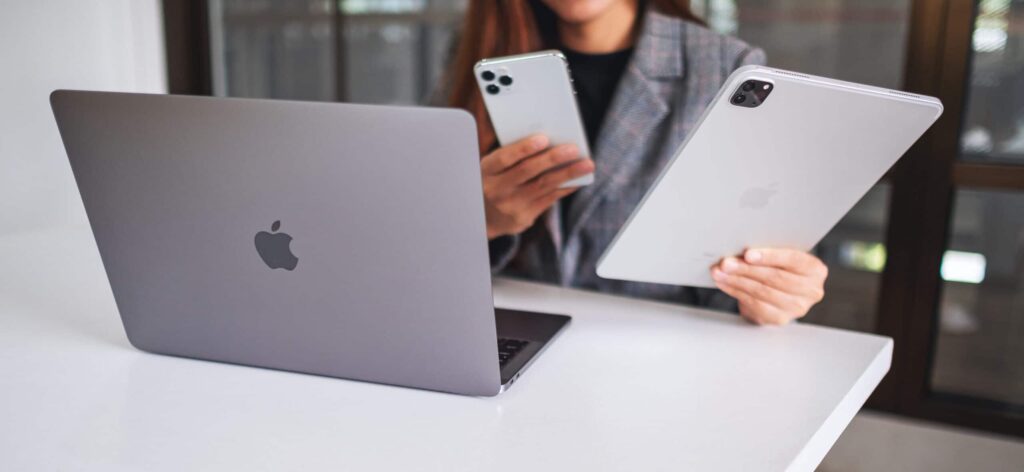
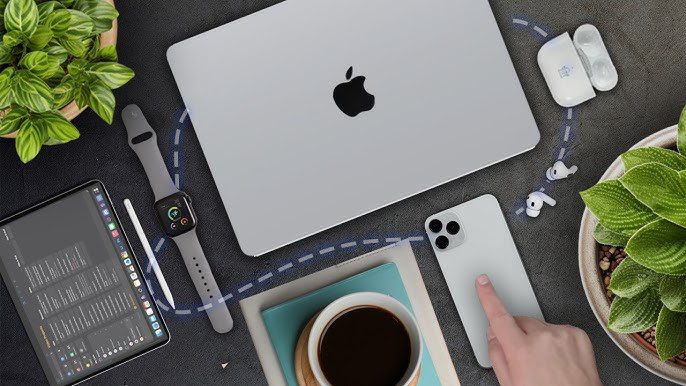
At its core, the Apple ecosystem is about synergy. It’s the idea that individual devices, when brought together, become more powerful and convenient than they would be on their own. Think of it like a well-rehearsed orchestra, where each instrument plays its part, contributing to a harmonious whole.
This harmony is achieved through:
- Shared Software & Services: iCloud, Apple ID, iMessage, FaceTime, AirDrop, Handoff, Universal Clipboard these aren’t just features; they’re the glue. They ensure your photos, documents, messages, and even what you’re currently working on are accessible and synced across all your Apple devices.
- Consistent User Experience: Whether you’re picking up an iPhone, an iPad, or a MacBook, the interface feels familiar. This consistency minimizes the learning curve and makes transitioning between devices almost second nature.
- Proprietary Hardware-Software Integration: Apple designs both its hardware and software, allowing for unparalleled optimization. This means their devices often run smoother and more efficiently than those from companies that rely on third-party operating systems.
It’s this tightly knit network that often creates a “sticky” experience, making it hard for users to leave once they’ve invested.
The Good Stuff: Unpacking the Benefits
So, what are the tangible benefits that users rave about?
Seamless Connectivity and Workflow
This is arguably the biggest draw. Imagine:
- Handoff: Start an email on your iPhone and seamlessly finish it on your MacBook..
- Universal Clipboard: Copying text or an image on your Mac and pasting it directly onto your iPad. No more emailing notes to yourself!
- AirDrop: Effortlessly share photos, videos, and documents between nearby Apple devices with just a few taps.. Forget fumbling with cables or slow Bluetooth transfers.
- Continuity Camera: Using your iPhone as a webcam for your Mac with incredible quality.
- Apple Watch Integration: Unlocking your Mac with your Apple Watch, taking calls from your wrist, or controlling music playback on your HomePod.
These features aren’t just minor conveniences; they genuinely streamline daily tasks, saving you time and frustration.
Enhanced Security and Privacy
Apple has consistently positioned itself as a leader in user privacy.. Their ecosystem is built with robust security features, including:
- End-to-end encryption: For services like iMessage and FaceTime, ensuring only the sender and recipient can access content.
- Strong device security: Features like Face ID and Touch ID provide secure and convenient authentication
- App Store scrutiny: A rigorous review process for apps helps prevent malicious software from reaching users.
- Data minimization: Apple aims to collect as little user data as possible.
For many, this commitment to privacy is a significant differentiator in a world where data breaches and privacy concerns are rampant.
Intuitive User Experience and Premium Build Quality
Apple products are renowned for their user-friendly interfaces, often described as just working. This simplicity and polish are a hallmark of the brand. Beyond software, Apple’s hardware is known for its premium materials and meticulous craftsmanship, leading to devices that feel substantial and well-made. This quality often translates to a longer lifespan and better resale value compared to many competitors.
The Sticky Wicket: Understanding the Drawbacks
While the Apple ecosystem offers a lot to love, it’s not without its downsides.
The Apple Tax: High Cost of Entry and Ownership
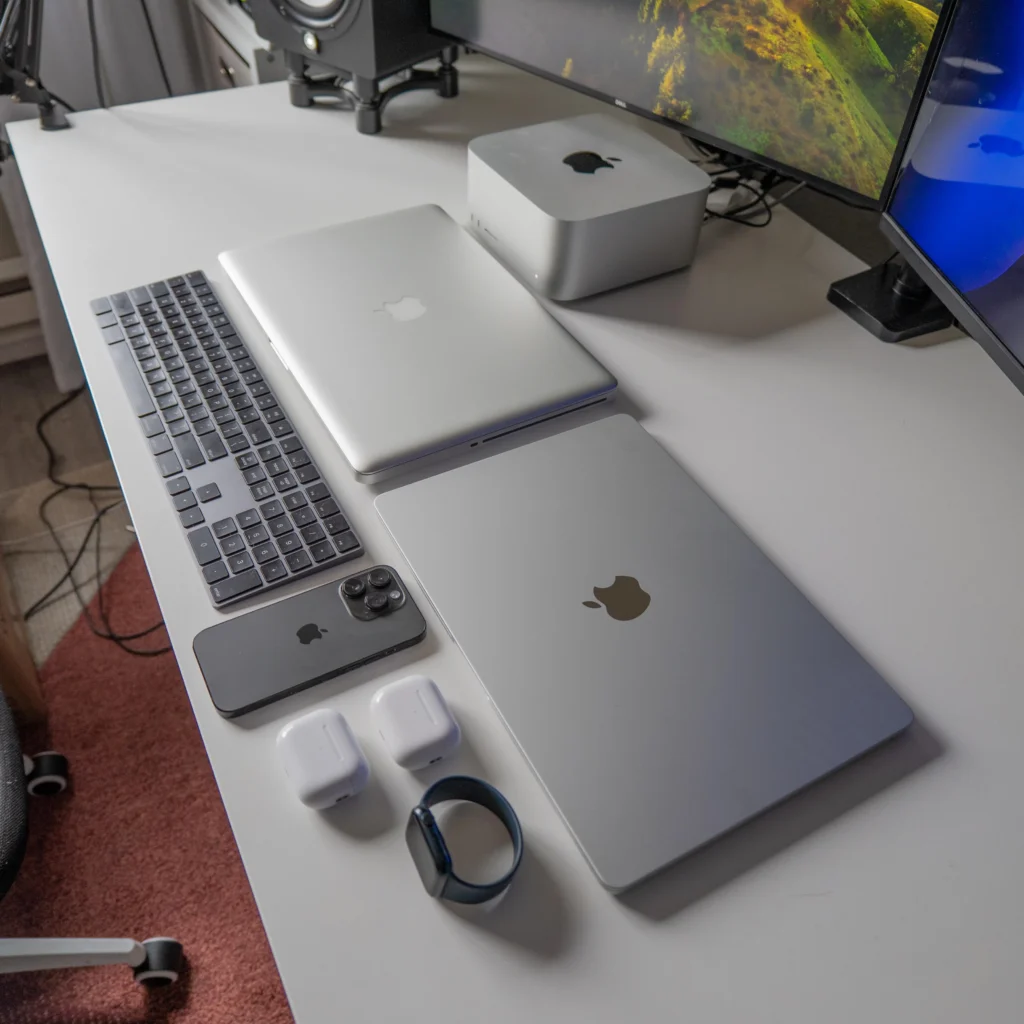
Let’s be frank: Apple products are expensive. The initial investment to build a robust Apple ecosystem can be substantial. An iPhone, a MacBook, an Apple Watch, and AirPods can quickly add up to several thousand dollars. While the quality and longevity are often cited as justifications, it’s a significant financial barrier for many.
Beyond the initial purchase, accessories and repairs can also be pricier than their non Apple counterparts. This premium pricing model is often referred to as the “Apple tax.”
Limited Compatibility and Closed System
The very strength of the Apple ecosystem its tight integration – can also be a weakness. Apple’s system is largely closed, meaning it plays best with its own devices and services. Trying to integrate non Apple devices can sometimes be a frustrating experience. For instance:
- File Transfer: Sharing files between an iPhone and an Android phone can be less straightforward than between two iPhones.
- Accessory Limitations: Some features, like seamless headphone pairing with AirPods, are optimized for Apple devices.
- Software Restrictions: While the App Store is curated for quality, it also means less flexibility for users who prefer to sideload apps or deeply customize their device’s operating system, unlike the more open Android platform.
This walled garden approach can feel restrictive to users who value more choice and flexibility in their tech setup.
Innovation Pace and Perfectionism
While Apple often leads the way in certain innovations, its pace can sometimes be slower compared to competitors who might rapidly iterate and experiment with new features. Apple’s focus on refinement and “perfection” can sometimes mean holding back on features until they are polished to their exacting standards. This can be frustrating for users eager for the latest technological advancements.
The Core Devices (Current Market Prices)
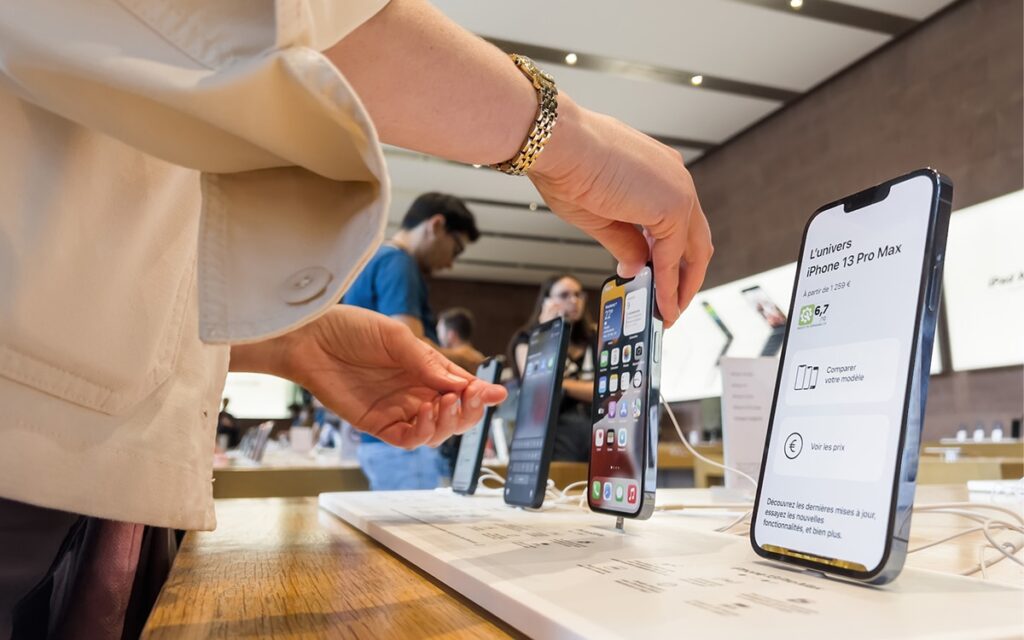
iPhone: $599 (iPhone 17e) to $1,599+ (iPhone 17 Pro Max). The “SE” has been replaced by the 17e, which offers 256GB base storage and the A19 chip.
MacBook: $599 MacBook Neo to $2,499+ MacBook Pro M5. The MacBook Neo is the new entry-level “budget” laptop, while the MacBook Air M5 now starts at $1,099.
iPad: $349 iPad 11th Gen to $1,299+ iPad Pro M5. The M5 iPad Pro now features Ultra Retina XDR across all sizes.
Apple Watch: $249 Apple Watch SE 3 to $799+ Apple Watch Ultra 3. The Series 11 remains the mid-range balanced choice at $399.
AirPods: $129 AirPods 4 to $249 AirPods Pro 3. The Pro 3 now includes a built-in heart rate sensor and improved Live Translation.tem gradually, adding devices as needed or as their budget allows.
It’s also worth noting that Apple products tend to hold their value well, so reselling older devices can help offset the cost of upgrades. For deals and discounts on tech, you might find useful resources at deepdiveinsight.
For a deeper dive into Apple’s commitment to security and privacy, you can explore their official Apple Platform Security guide Apple Platform Security. If you’re curious about how Apple’s walled garden approach compares to the more open Android ecosystem, this comprehensive comparison by PCMag offers some great insights: Android vs. iOS: Which Phone OS Really Is the Best?
It’s also worth noting that Apple products tend to hold their value well, so reselling older devices can help offset the cost of upgrades. For deals and discounts on tech, you might find useful resources at deepdiveinsight.
Is it for You? Who Benefits Most
The Apple ecosystem isn’t for everyone, but it truly shines for certain types of users:
- Creatives and Professionals: For those who work across multiple devices and rely on seamless file transfer and powerful software e.g., video editors, graphic designers, writers, the efficiency gains can be substantial.
- Users Prioritizing Simplicity and Ease of Use: If you appreciate technology that “just works” with minimal fuss and a consistent experience, Apple’s approach will likely appeal to you.
- Privacy-Conscious Individuals: Apple’s strong stance on user privacy is a significant selling point for those concerned about their digital footprint.
- Families: Features like Family Sharing for apps, music, and iCloud storage can make managing digital content much easier for households with multiple Apple users.
If you’re someone who enjoys tinkering with devices, values open-source software, or prefers to mix and match brands to find the best value, the Apple ecosystem might feel too restrictive or pricey. However, if you seek a cohesive, secure, and intuitive digital life, and the budget allows, the Apple ecosystem genuinely delivers on its promise of an elevated user experience.
For more in-depth technology reviews and insights, visit deepdiveinsight.
FAQs
Q1: Is it difficult to switch from Android or Windows to Apple?
Not at all. In 2026, the Move to iOS app and USB-C support make data transfer fast. macOS Tahoe’s intuitive design and shared apps ensure a smooth learning curve for new users.
Do I need every Apple device to experience the ecosystem benefits?
No! Just an iPhone and Mac unlock key features like AirDrop, Handoff, and Universal Clipboard. Each extra device adds convenience, but two are enough for a seamless start.
Are Apple products truly more secure than Android or Windows?
Yes, generally. Apple’s “closed” system, strict App Store vetting, and the Secure Enclave chip provide elite protection. Rapid, uniform updates ensure all users get security patches at once.
What are the main alternatives to the Apple ecosystem?
The Google/Samsung and Windows ecosystem is the top rival. It offers more hardware variety like foldables and customization, though it lacks Apple’s tight, built-in device synergy.
Is the Apple ecosystem good for gaming?
It’s better than ever! With the M5 chip’s ray tracing and Games app in iOS 26, Macs now run AAA titles like Assassin’s Creed Shadows smoothly, while iPad/iPhone dominate mobile gaming.